Email us
  Support
  Login
Login 
Domain Management goes live in V2 Portal
Customers will notice today that Domain Management has now been migrated into the MySAU V2 Portal.
The Domains index page will list all of your domains, and show their Registration date, Expiry Date, Status, and their Auto-Renew Status.
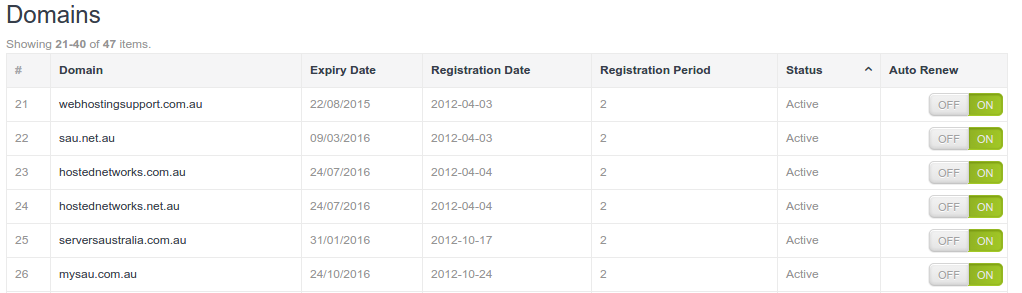
What is Auto-Renew?
Auto-Renew means that when your domain comes up for renewal, we will automatically invoice you for it. Please note that once an invoice has generated, disabling Auto-Renew will not magically cancel the invoice. If you have a credit card saved on your account, your card will be charged, and your domain renewed. (I might sound a little sarcastic here, but a surprising amount of customers get caught out by this!) If you have had an invoice generate for a domain you do not wish to renew, you will need to send a ticket in to billing to have the invoice cancelled.
Editing your domain
If you click on your domain name in the listing, you will come to the Domain Details page.
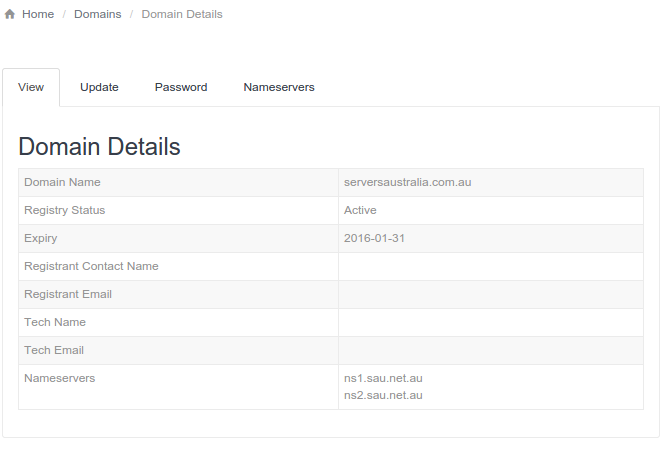
From here you can view the current registration details of your domain (Note: if you transferred your domain in to us, rather than registering it through us, there may be no details showing here), as well as updating your contact details, requesting your EPP Code (Domain Password), and updating your Nameservers.
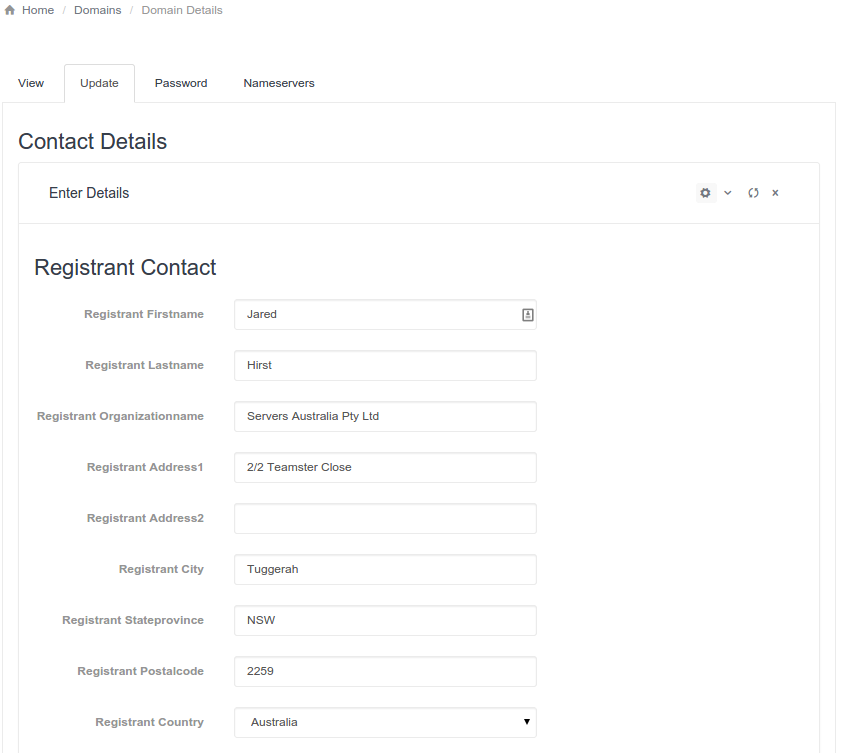
Domain Update From here you can update any applicable contact details for your domain.
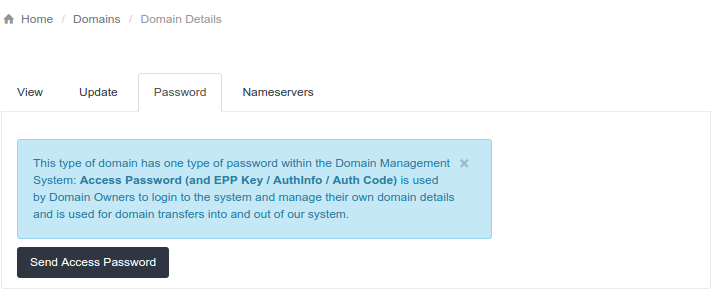
Domain Password You may request your Domain Password be emailed to you by clicking Send Access Password from this screen.
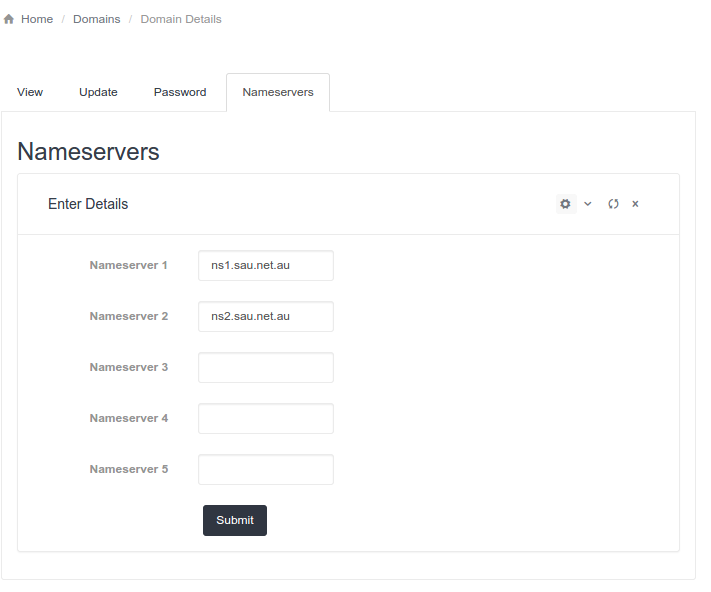
Update Nameservers You may enter new Nameserver details for your domain (otherwise known as redelegation).
If you find any issues in the new Domain Management functionality, please open a ticket with support, and they will pass it through to the Dev team.